ZoneCours相关
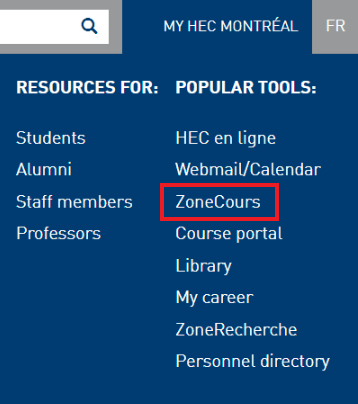
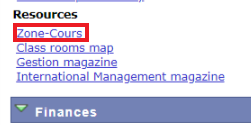
- ZoneCours可以通过右上角的My HEC Montréal进入;或者在HEC en ligne中的”Academics”下的”Resources”的”Zone-Cours”进入。
- 或者在HEC en ligne中的”Academics”下的”Resources”的”Zone-Cours”进入。
ZoneCours语言设置
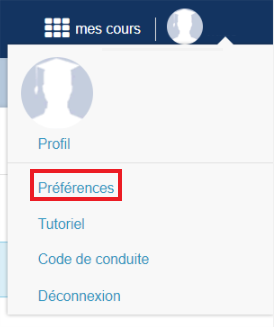
首先请进入ZoneCours,点选右上角带自己名的地方,出现下图弹窗,选择”Préférences”
在进入的界面点选”LANGUE”,选择”English - United States [en_US] English - United States”.
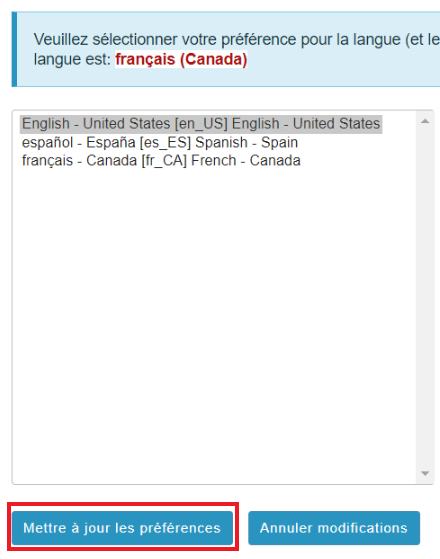
在下图的界面中选择”Mettre à jour les préférences”,自此成功将ZoneCours设置成了英语。
将ZoneCours中的日历导出
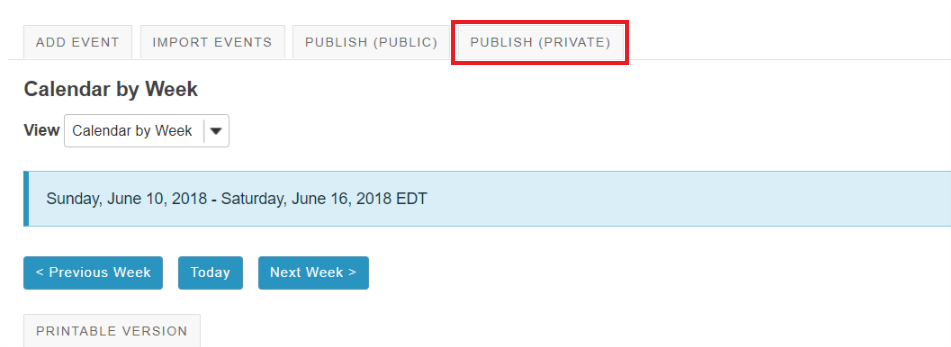
- 首先进入ZoneCours,点击左侧的Calendar。如图,在出现的界面中点选”PUBLISH(PRIVATE)”。
在接下来的页面中点选”Generate”,在点选后会出现两个链接,黄框链接是对应着Outlook或某些邮箱系统的链接,红框链接是针对macOS等系统上自带的日历系统的链接。
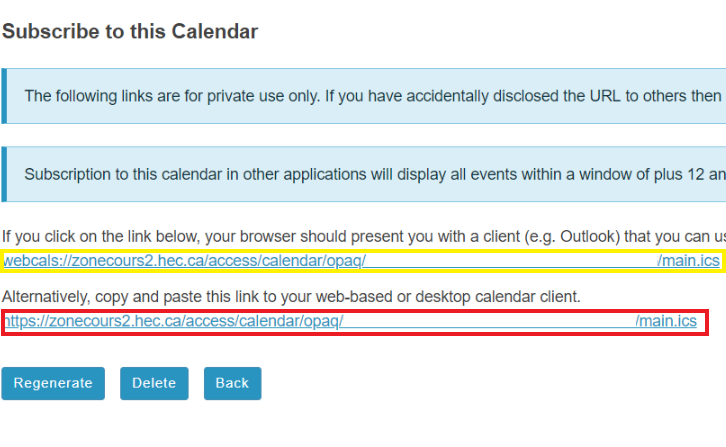
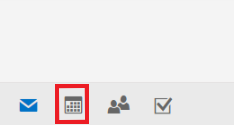
- 针对黄框链接,进行复制后打开WebMail,登录后找到左下角的功能区,选取第二个,即日历。
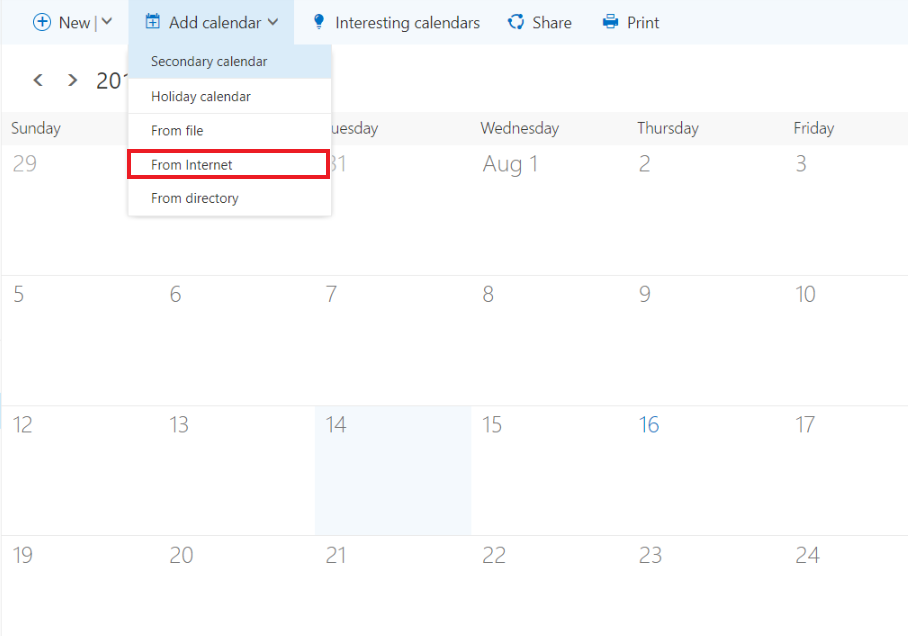
- 点选上方工具栏的”Add calendar”下的”From Internet”。
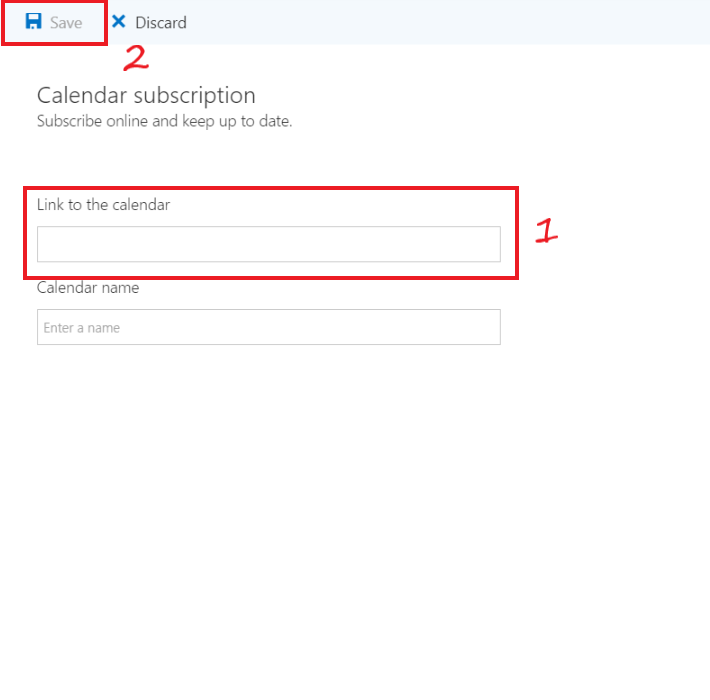
- 在”Link to the calendar”中粘贴你刚刚复制的链接,并在下方填上你自定义的日历名字,点选上方的”Save”,自此完成了导入的全过程。